
Can't Hear - Big Live Captions
Screenshots
About
Is it getting hard to hear what people say?
If you keep asking "Sorry, what was that?" at the café, at the doctor's or bank counter, or in front of the TV, open Can't Hear.
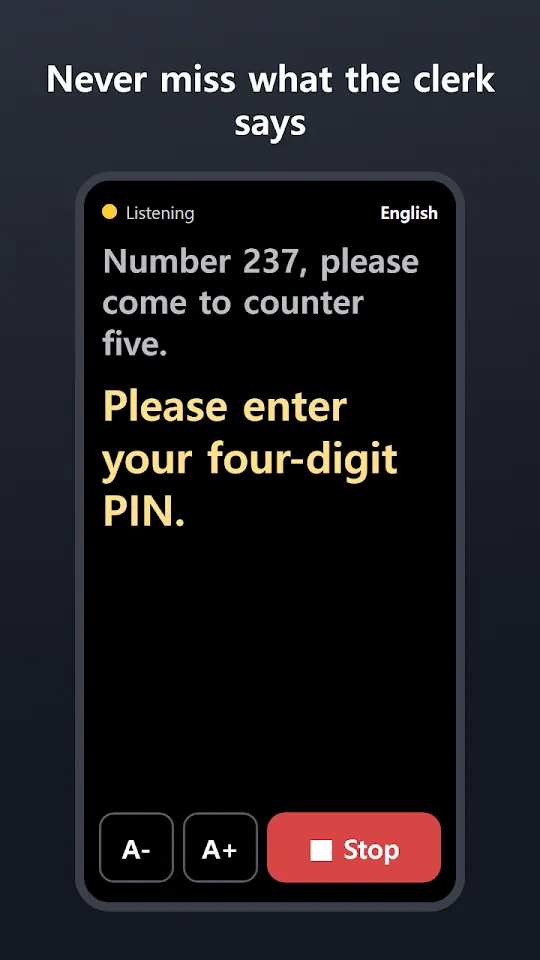
The moment you open it, the app shows what people around you are saying as very big live captions. No sign-up, no complicated setup.
WHEN IT HELPS
• At the hospital, pharmacy, bank or office counter — don't miss what the staff tells you
• Talking with family and friends in a café or restaurant
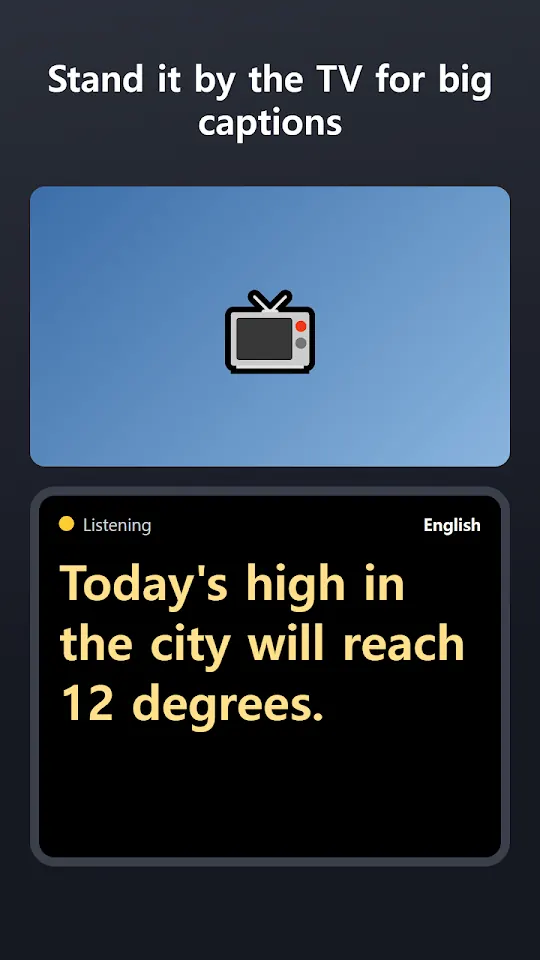
• Watching TV — turn your phone sideways and the text gets a little bigger
• When you wear a hearing aid but speech still isn't clear
WHAT IT DOES
• Captions start as soon as you open the app — speech turns into big text
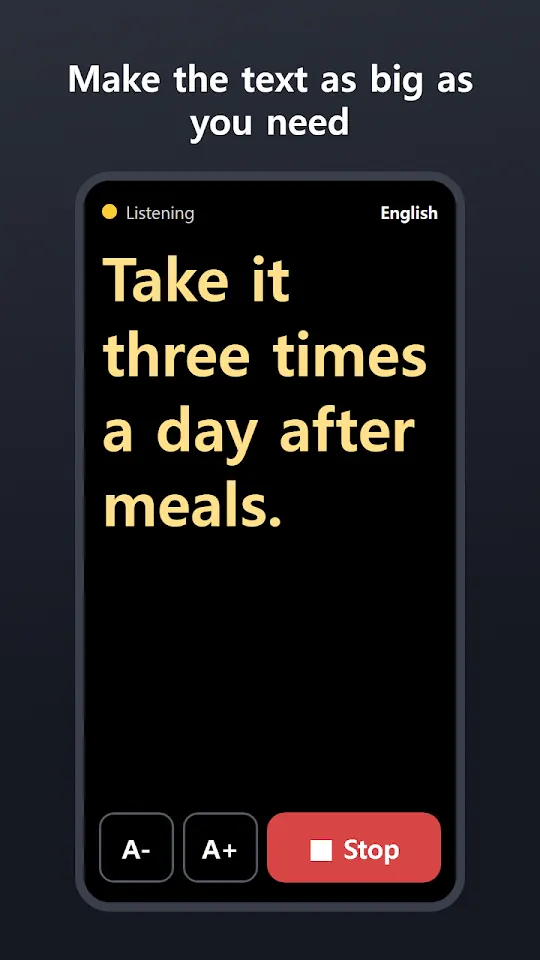
• A- and A+ buttons to set the text size that suits your eyes
• The screen stays on while captions are running
• Low battery? You get a vibration and a banner warning
• Choose the speaker's language from 24 languages
WITHOUT INTERNET
On Android 13 or newer, live captions work offline when that language is downloaded on your phone. Otherwise the app uses your phone's speech recognition service, which may need an internet connection.
GOOD TO KNOW
• In noisy places, or when the speaker is far away, some words may be wrong or missed. Hold the phone closer to the person speaking for better results.
• This app is not a hearing aid or a medical device. It is a tool that shows spoken words as text for people who are hard of hearing.
PRIVACY
No account and no login. The app does not store your conversations on any server. Speech is recognized by the speech recognition service on your phone.
PRICE
Free to use with a small banner ad. If you prefer no ads, you can remove them with a monthly or lifetime option.
Install Can't Hear on the phone of a parent or grandparent who is hard of hearing, and tell your family and friends about it.
Made by Wonkyu Kim · BnmSoft
More apps

M'Cheyne Bible Reading Plan

Lock Screen Notes: Memo, To-do
Clap to Find Phone: ClapManner

Silent Mode Timer: Auto Mute

Bracket Maker - Table Tennis

TripFund: Group Trip Expenses

FundRoll: Club Treasurer Books

RSVP & Form Tracker - TallyOK

HeadcountOK: Event Check-In

Touch Lock - Video Touch Block
Move My Car - QR, No Number