
Touch Lock - Video Touch Block
Screenshots
About
Touch Lock blocks screen touches while a video plays.
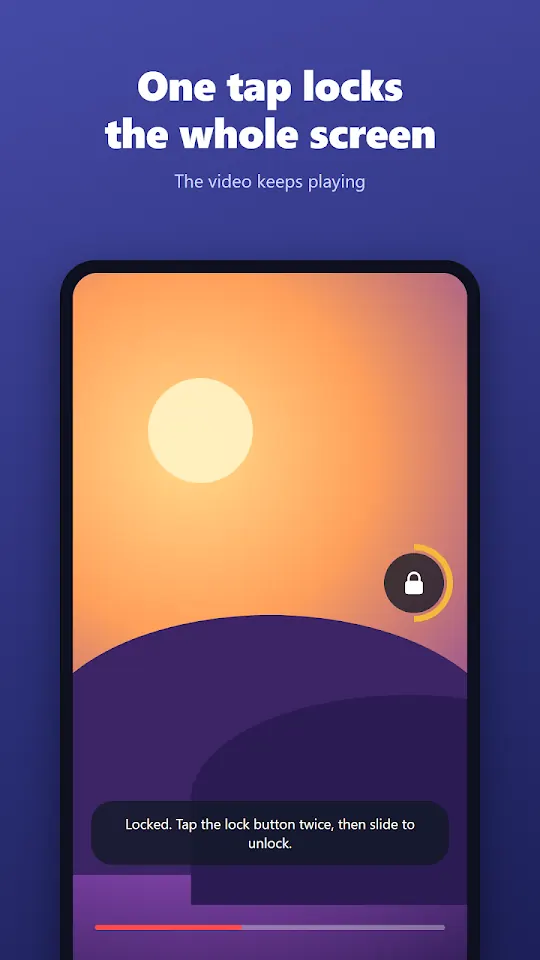
If a small hand keeps pausing, skipping or closing the video you just started, lock the touch screen with one tap. The video keeps playing.
HOW IT WORKS
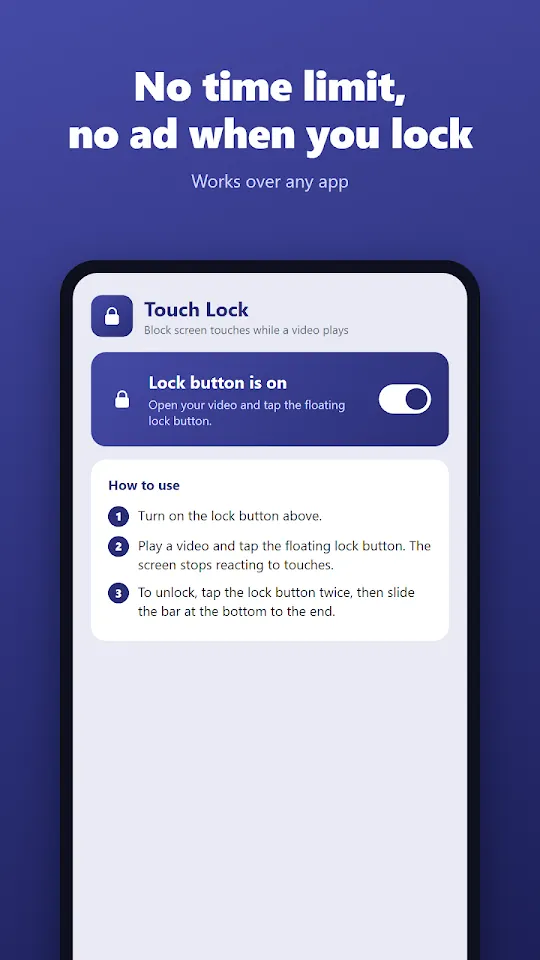
1. Turn on the lock button in the app.
2. Play your video and tap the floating lock.
3. The screen stops reacting to touches. The video goes on.
4. To unlock, tap the lock button twice, then slide the bar at the bottom to the end.
FREE
· Touch lock with no time limit (no 5-minute cap)
· Works over YouTube, Netflix, any video player, any app
· Move the lock button wherever you like
· Quick Settings tile: lock from any app in one tap
· No ad when you lock or unlock
PREMIUM
· No ads
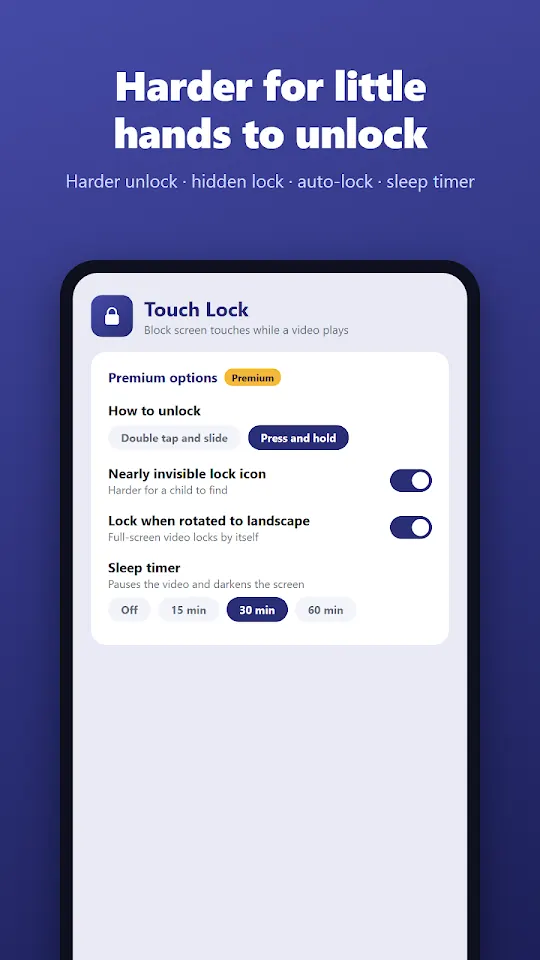
· Child-proof unlock: fingerprint or phone lock (pattern, PIN), 4 digits, or press and hold
· Nearly invisible lock icon, harder for a child to find
· Auto-lock when the phone is rotated to landscape
· Sleep timer: pauses the video and darkens the screen
GOOD FOR
· Disable touch while a baby or toddler watches a video
· Watching in bed without accidental touches
· Music or a lecture playing in your pocket
· Cleaning the screen
PERMISSION
Only one permission: "Display over other apps". It is used to draw a transparent layer above the video. Nothing on your screen is read, saved or sent. The Accessibility service is not used.
GOOD TO KNOW
Android does not let any app block the home gesture or the power button. For small children, also use your phone's app pinning.
Contact: bnmsoft@naver.com
Made by Wonkyu Kim · BnmSoft · Privacy Policy
More apps

M'Cheyne Bible Reading Plan
Lock Screen Notes: Memo, To-do
Clap to Find Phone: ClapManner
Silent Mode Timer: Auto Mute

Bracket Maker - Table Tennis

TripFund: Group Trip Expenses

FundRoll: Club Treasurer Books
RSVP & Form Tracker - TallyOK
HeadcountOK: Event Check-In
Move My Car - QR, No Number

Can't Hear - Big Live Captions