Move My Car - QR, No Number
Screenshots
About
Still leaving your phone number on the dashboard? Put a QR there instead.
■ How it works
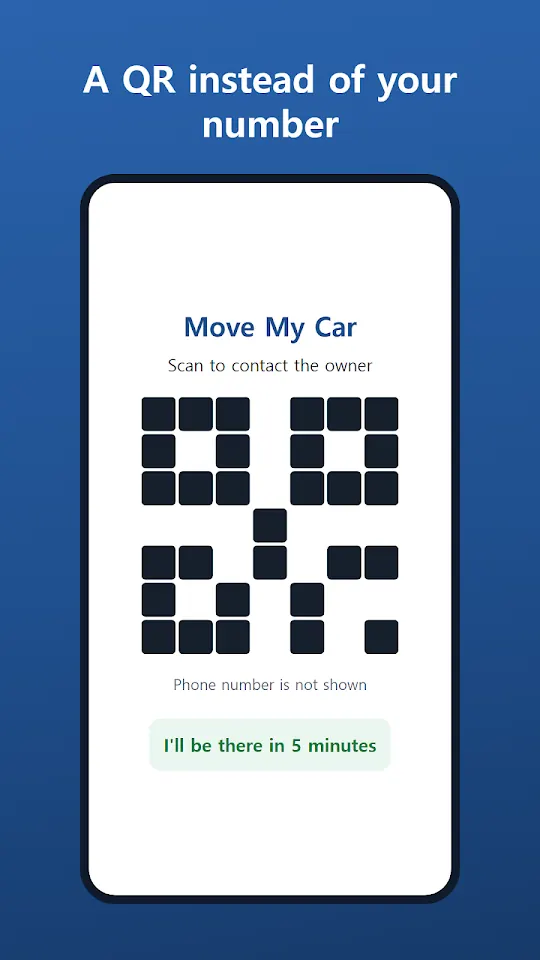
1) Make a QR in the app and print it (dashboard sign, stickers or a card)
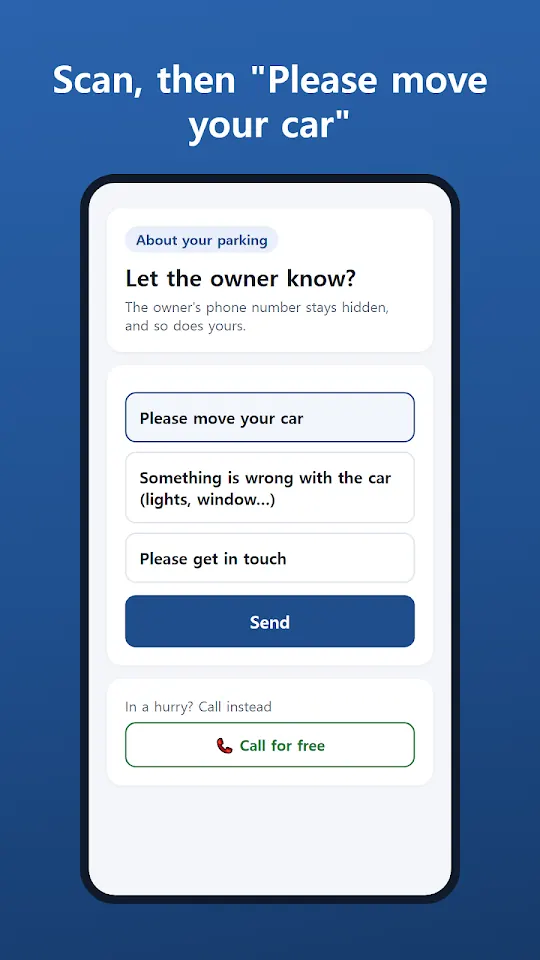
2) Someone who needs you to move scans it with their phone camera – no app needed
3) They tap "Please move your car" and your phone gets an alert right away
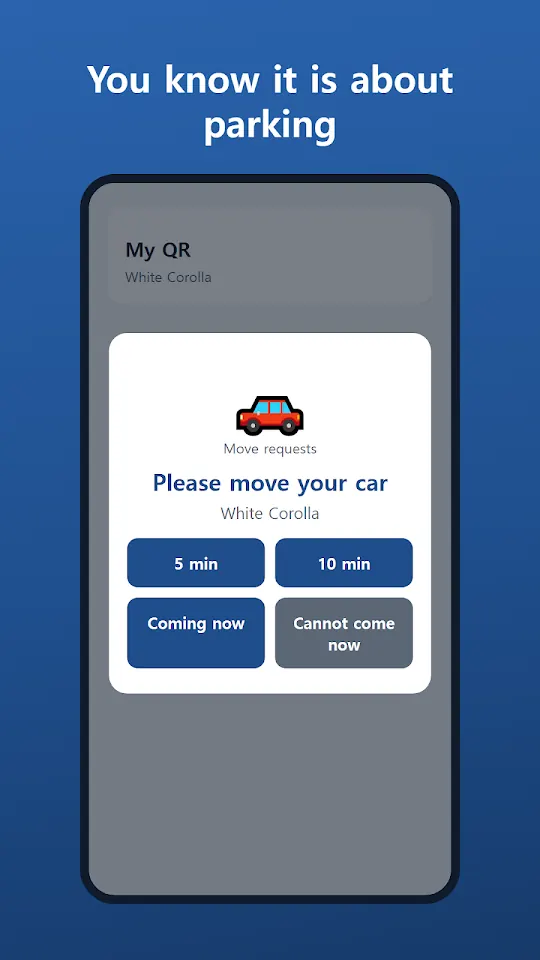
4) You tap "5 min", "10 min" or "Coming now" and they see it instantly
5) In a hurry? A free internet call – neither side sees a phone number
■ Why Move My Car
• No phone number on your car – no spam, no privacy worries
• The alert says it is about your parking, so you know before you answer
• Callers need no app – anyone can use it
• Name each car (e.g. White Corolla) to tell several apart
• 9 languages – visitors can reach you in their own language
■ Free and Pro
• Free: one parking QR, move requests, free calls, printing
• Pro (monthly or lifetime): unlimited QRs, your own wording per QR (parcel, lost item, shop…), no ads
• Sticker bundles: print many at once for apartments, offices and shops
Calls are never recorded. We do not collect phone numbers, location or contacts.
Contact: bnmsoft@naver.com
Made by Wonkyu Kim · BnmSoft
More apps

M'Cheyne Bible Reading Plan
Lock Screen Notes: Memo, To-do
Clap to Find Phone: ClapManner
Silent Mode Timer: Auto Mute

Bracket Maker - Table Tennis

TripFund: Group Trip Expenses

FundRoll: Club Treasurer Books
RSVP & Form Tracker - TallyOK

HeadcountOK: Event Check-In

Touch Lock - Video Touch Block

Can't Hear - Big Live Captions