
Bracket Maker - Table Tennis
Screenshots
About
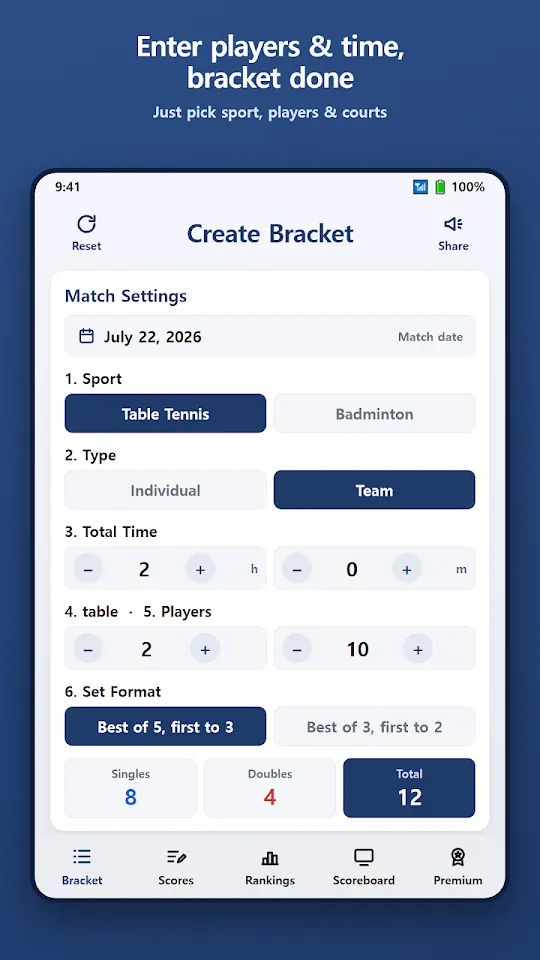
Stop drawing brackets on paper, flipping score cards and working out standings by hand. Enter the number of players, the time you have and the number of courts — Bracket Maker builds the bracket on the spot and shows it on a scoreboard for the whole event.
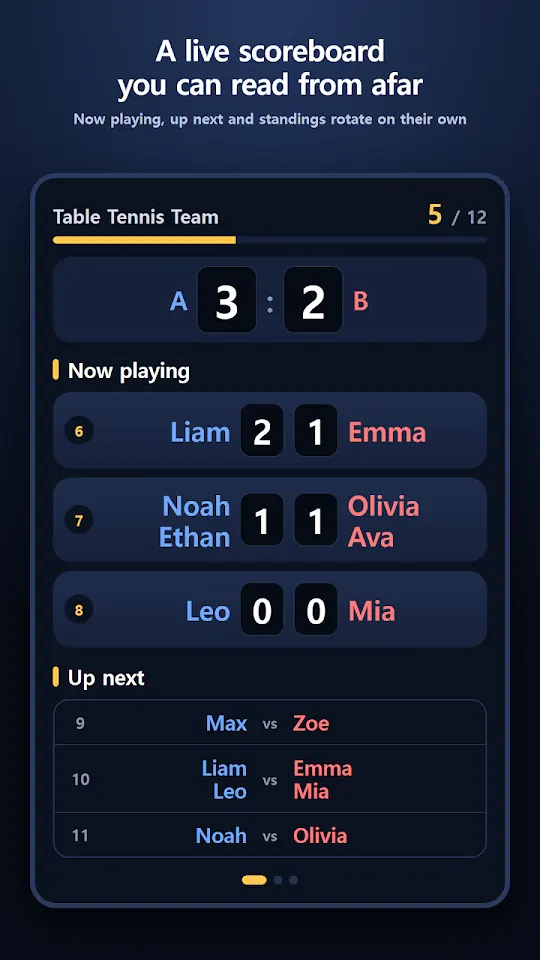
■ Scoreboard — readable from across the hall
· Now playing, up next and standings rotate automatically every 6 seconds
· Large digits on a dark background, easy to read from the other side of the gym
· Just prop up your phone. The screen stays on
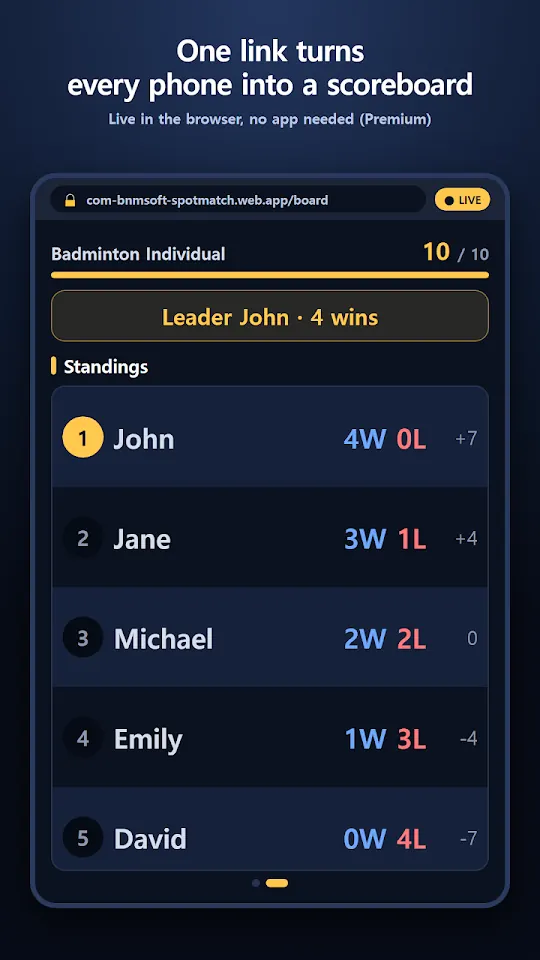
■ Live sharing (Premium)
· Send one link and every participant sees the scoreboard on their own phone
· No app and no sign-in for viewers — it opens in the browser
· When the organizer enters a score, everyone's screen updates right away
· No more "When is my match?"
· Not Premium? Watch one ad and use it for 24 hours
■ Automatic brackets
· Individual: round robin (4–5 players) or group stage + semifinals and final (6–16 players), down to the champion
· Team: two teams (A·B) with mixed singles and doubles, everyone plays the same number of matches
· Total matches calculated from total time, number of courts (tables) and set format
· Group draw: automatic, random or manual
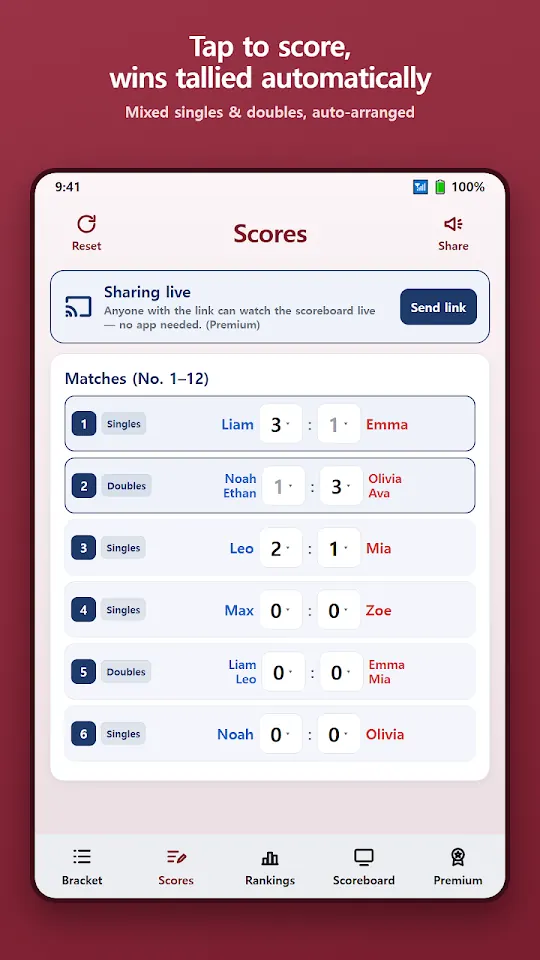
■ Scores · Rankings
· Tap a score to choose it — wins, rankings and the champion are tallied automatically
· Group ranking by wins → head-to-head → set difference; semifinalists are set automatically
· Share the screen you are looking at as an image
■ Made for
· Club organizers and tournament hosts for table tennis and badminton
· Groups that meet and play every week
· Company and school sports days
■ Privacy
· Match records are stored only on your phone. No account
· Only while live sharing is on, what the scoreboard shows (names, scores, rankings) is sent to the server. Turn it off and nothing is sent
■ Premium
This app contains ads. With a monthly subscription or a one-time lifetime purchase you can remove ads and use live sharing.
Made by Wonkyu Kim · BnmSoft
More apps

M'Cheyne Bible Reading Plan
Lock Screen Notes: Memo, To-do
Clap to Find Phone: ClapManner

Silent Mode Timer: Auto Mute

TripFund: Group Trip Expenses

FundRoll: Club Treasurer Books
RSVP & Form Tracker - TallyOK
HeadcountOK: Event Check-In

Touch Lock - Video Touch Block
Move My Car - QR, No Number

Can't Hear - Big Live Captions