
TodayCard: To Do List Planner
Screenshots
About
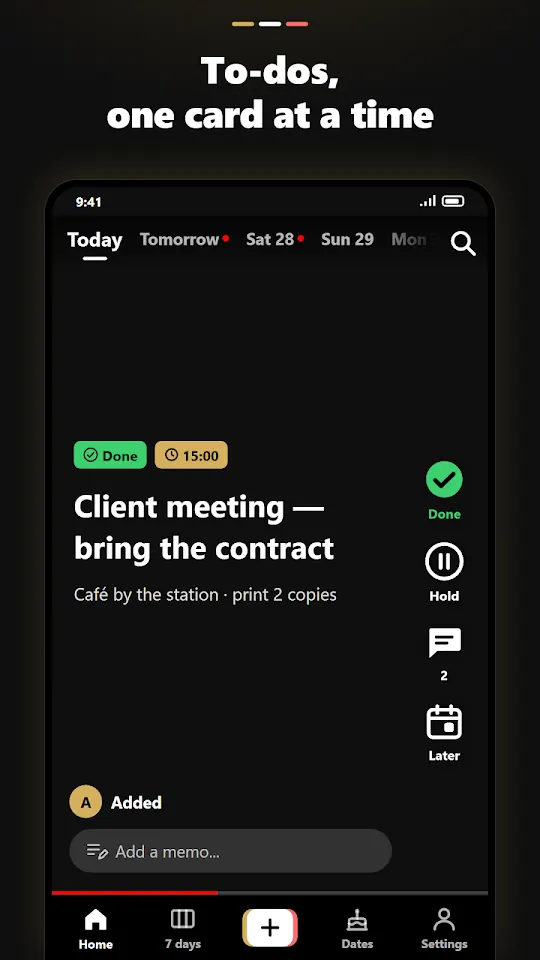
Busy days don't need a complicated planner. TodayCard shows your to-dos and schedule as big full-screen cards, one at a time. Swipe up, finish it, move on. Your day gets cleared card by card.
One card, one task
• Swipe up to see the next card
• Tap the big buttons on the right: Done, On hold (add a reason), Memo, Postpone (pick a day)
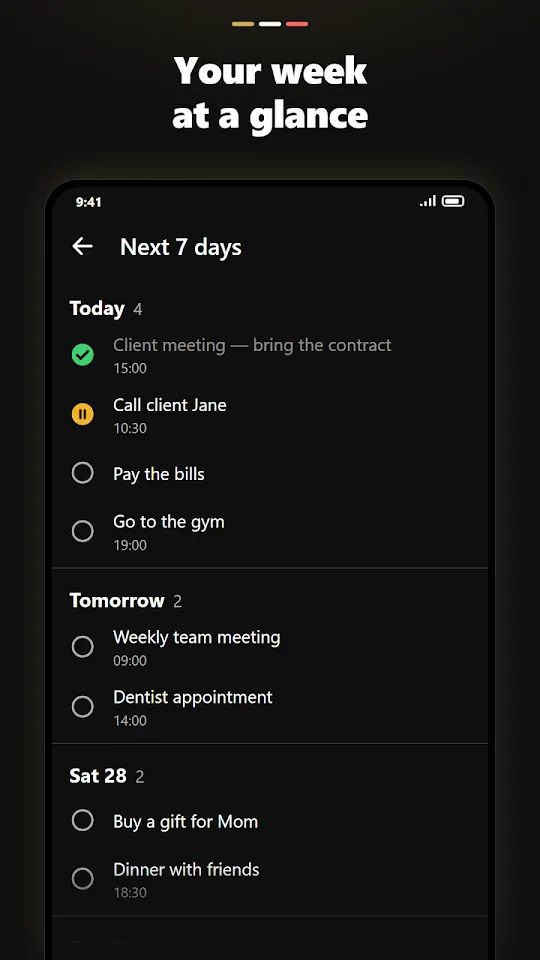
• A 7-day strip at the top (Today, Tomorrow, Sat 28 ...) rolls forward every day
• Search past cards and memos with the search icon
Add a task in one line
• Type "Fri 3pm visit client" and the date and time are filled in for you
• Repeat daily, weekly, monthly or yearly
• Share text from a messaging or SMS app and it becomes a card
Nothing slips through
• Unfinished and on-hold cards carry over to tomorrow automatically
• A morning reminder tells you what is on today
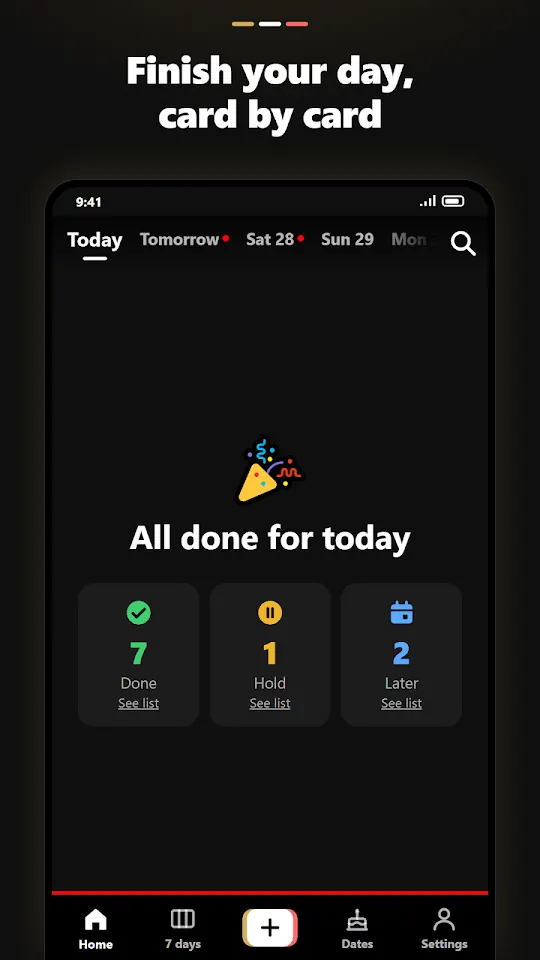
• The end-of-day screen counts done, on hold and postponed cards; tap a number to see the list
Works with your phone calendar
• Reads events from your phone calendar, e.g. Google and Samsung Calendar, as cards
• New cards are written back to your phone calendar
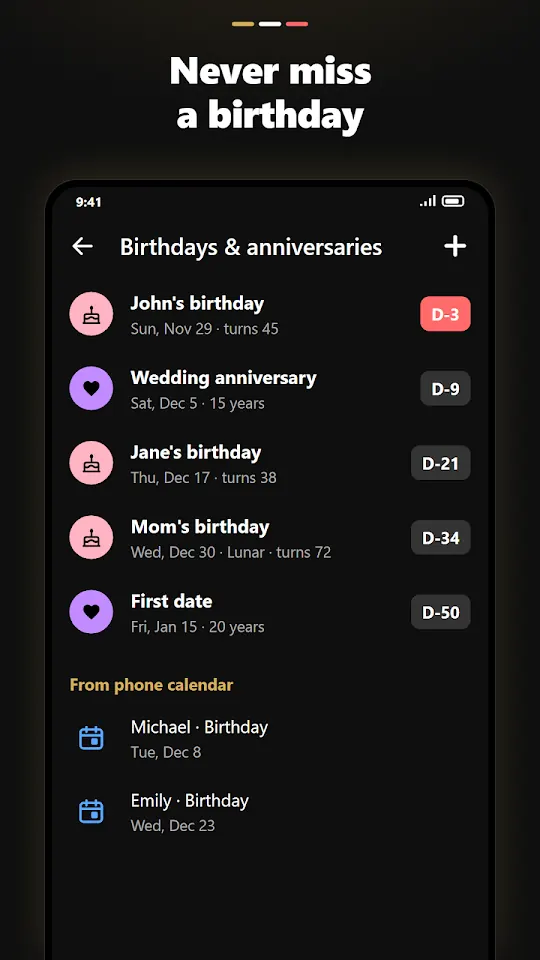
• Contact birthdays from your phone calendar show up too
Birthdays and anniversaries
• See the age or the year count for each date
• A D-day list shows how many days are left
Easy to read
• Text size from small to extra large
• Available in 9 languages
Free features
• Card view with Done, On hold, Memo and Postpone
• One-line entry, repeating tasks, carry-over to tomorrow
• Phone calendar read and write, birthdays, anniversaries and D-day list
• Morning reminder, end-of-day summary, text size settings
• The free version shows ads
Premium (monthly, yearly or lifetime)
• No ads
• Home screen widget
• Birthday and anniversary reminders 7 days and 1 day before
• Lunar calendar birthdays (Korean lunar calendar)
• Up to 3 reminder times a day
Your data stays on your phone
TodayCard has no server and no account. Your tasks, memos and birthdays are stored only on your device. Calendar access is used only to show your events as cards and to save new cards to your calendar.
Made for people who just want to get today done: small-business owners, sales people, insurance agents, and anyone who prefers big, clear text. Open today's first card and start.
Made by Wonkyu Kim · BnmSoft
More apps

M'Cheyne Bible Reading Plan
Lock Screen Notes: Memo, To-do
Clap to Find Phone: ClapManner

Silent Mode Timer: Auto Mute

Bracket Maker - Table Tennis

TripFund: Group Trip Expenses

FundRoll: Club Treasurer Books
RSVP & Form Tracker - TallyOK
HeadcountOK: Event Check-In

Touch Lock - Video Touch Block
Move My Car - QR, No Number

Can't Hear - Big Live Captions

SayType: Voice Typing Anywhere